
Psiphon
Psiphon is a free and open-source internet censorship circumvention tool for Windows that connects you to blocked websites through its own network.
10.8 MB

Windscribe VPN for Windows is the desktop client of the Windscribe VPN provider, with a free option, paid plans and a built-in firewall against leaks.
Average 0.0 · ratings: 0
Thank you! Your rating is saved; you can change it. Could not save the rating. Please try again later. Too many ratings from your network today. Please try again tomorrow. The average appears after 5 ratings.
Windscribe VPN 2.24.13 is the Windows client of Windscribe, a virtual private network provider run by Windscribe Limited. It encrypts your connection and sends it through a Windscribe server, and it can be used for free or with a paid plan. You can download Windscribe VPN for Windows from windscribe.com.
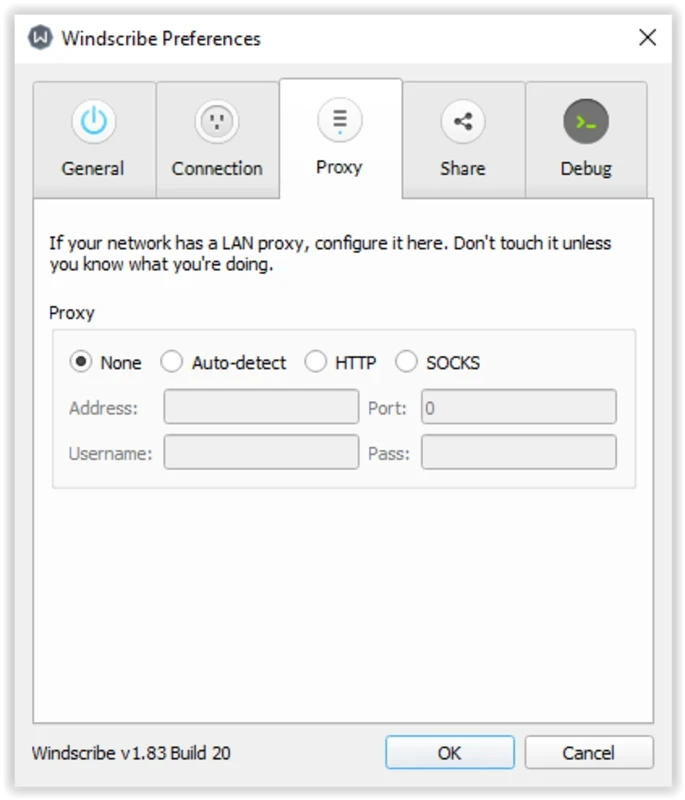
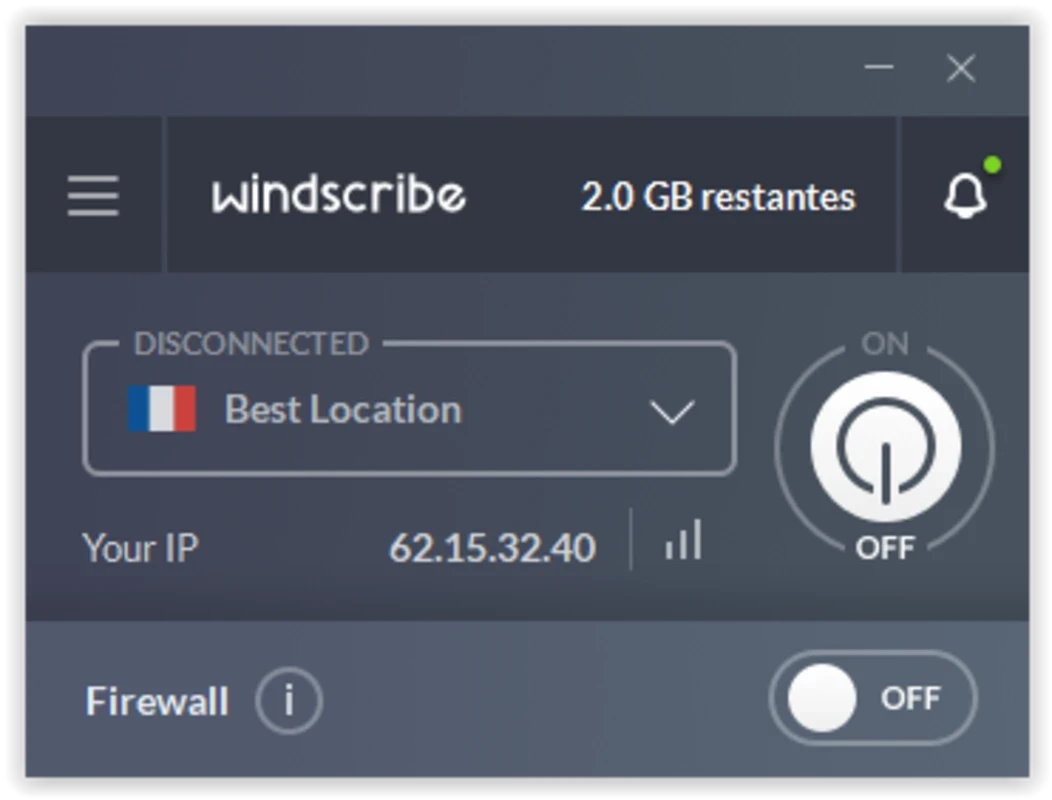
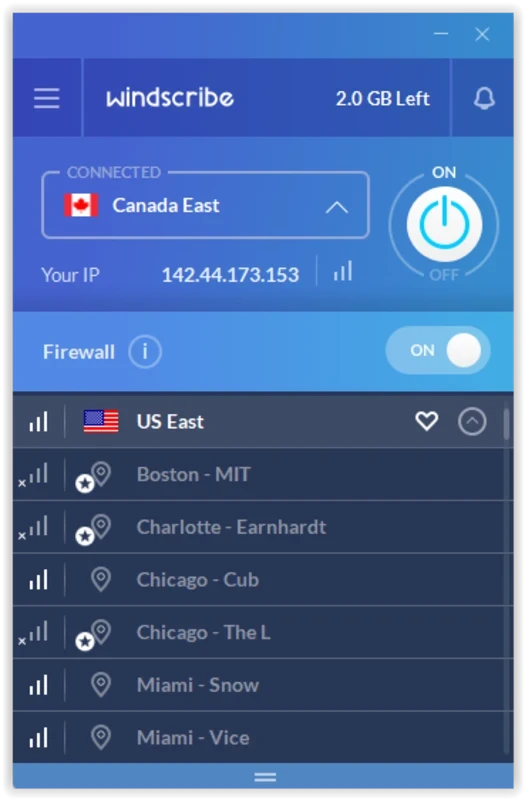
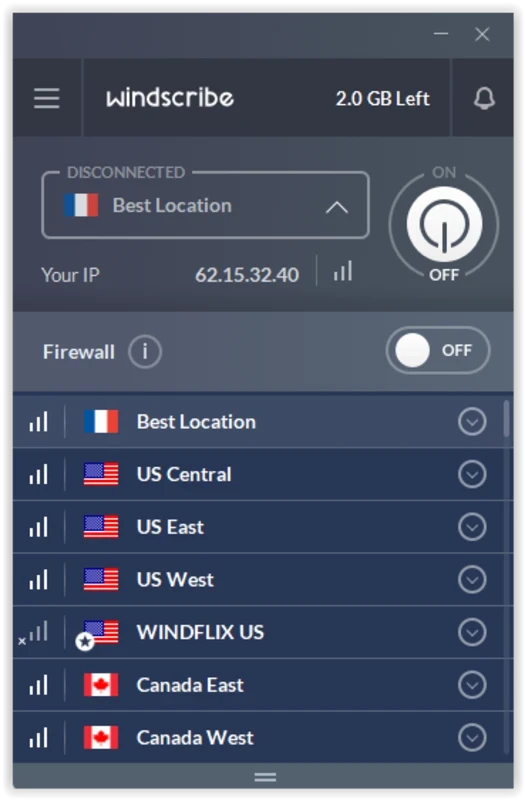
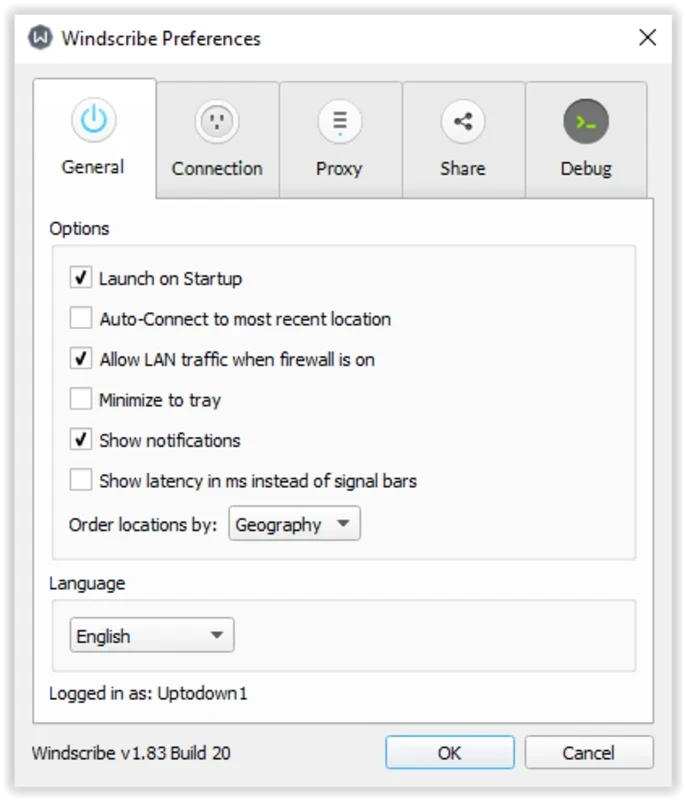
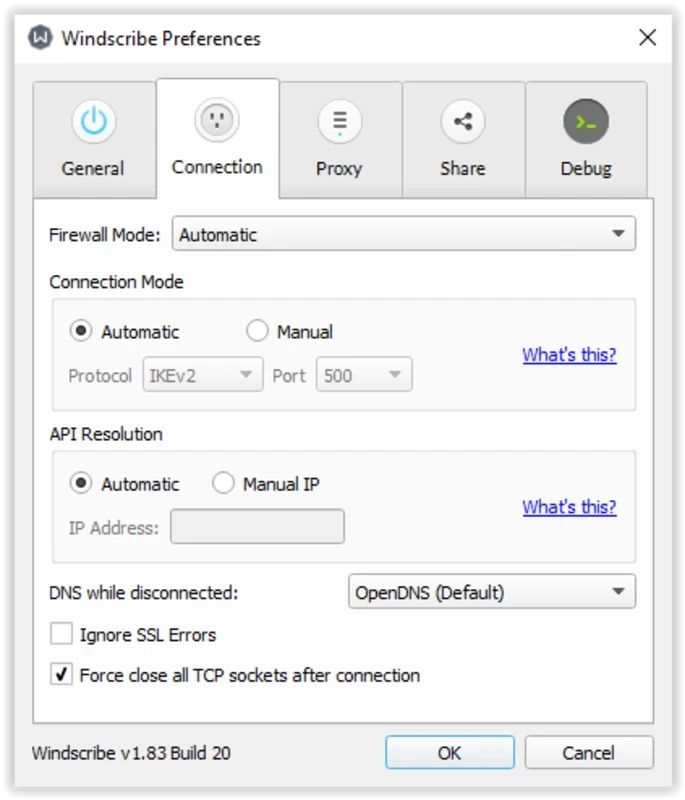
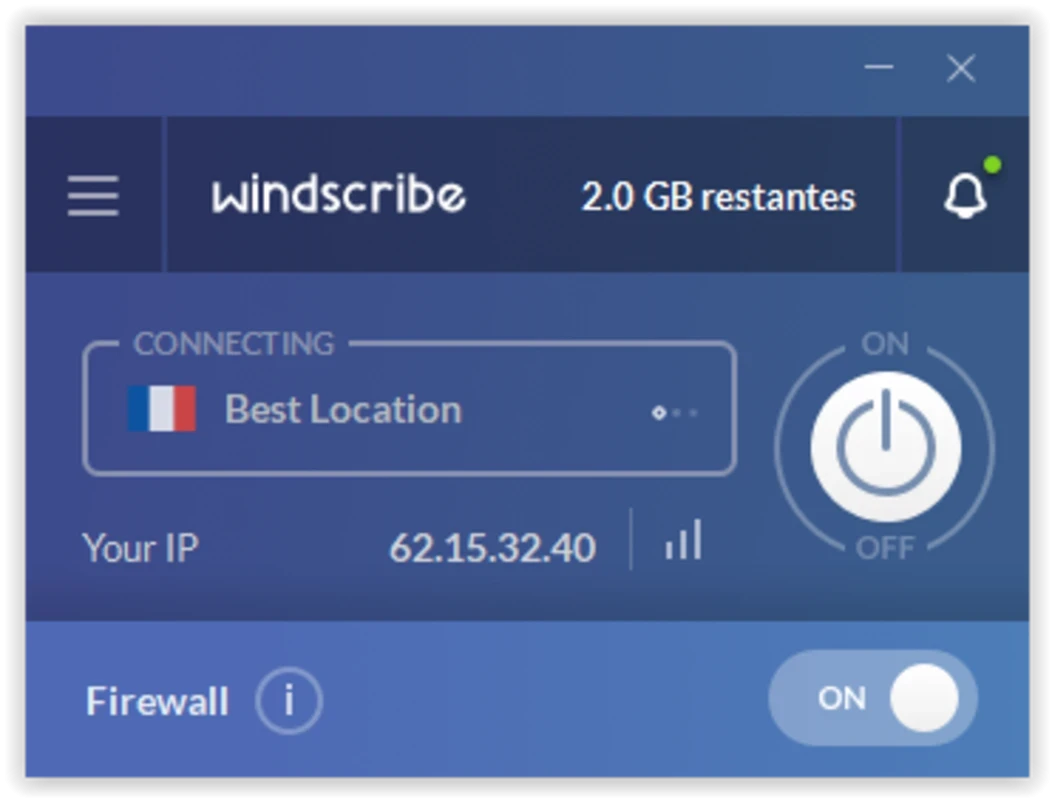
Windscribe earned a following among people who wanted to try a VPN without paying straight away. You can create an account without handing over much personal information and use the service at no cost, with a limited set of locations and a data allowance; paid plans remove those limits and add more servers. The desktop client is compact: a big connect button, a list of locations and a settings panel. Beyond the basic tunnel, it includes a firewall that blocks traffic outside the VPN, so nothing slips out if the connection drops, and options for choosing the protocol and port, which helps on networks that interfere with VPN traffic. Split tunnelling lets you send only certain apps through the VPN, which is useful when a banking app or a local printer refuses to work with it. The client is updated frequently; changes are published in the Windscribe changelog.
The installer is about 40.05 MB according to catalogue data.
A VPN moves trust from your internet provider to the VPN company. Read Windscribe's privacy policy to see what it records. A VPN does not stop tracking by accounts you are signed in to, and it does not protect against phishing or malware. Use it in line with the laws of your country and the rules of your workplace or school network.
Hotel, airport and office networks sometimes block VPN traffic. In that case, change the protocol or port in the connection settings and try again, or pick a different location. If websites stop loading after you disconnect, check whether the firewall is set to stay on permanently.
The client is free to download, and the free tier is usable without payment. Paid plans are sold on the official site; check the current terms there rather than on comparison sites, which often show old prices.
Other VPN clients for Windows in our listings include Proton VPN, Mullvad VPN, TunnelBear, Hotspot Shield, NordVPN, Surfshark and ExpressVPN. OpenVPN Connect is the client for your own or your company's OpenVPN server.
Psiphon is a free and open-source internet censorship circumvention tool for Windows that connects you to blocked websites through its own network.

1111 Warp VPN is Cloudflare's WARP client for Windows, which encrypts DNS and traffic between your PC and Cloudflare's network.

Turbo VPN for Windows is a VPN client from Innovative Connecting that encrypts your connection and routes it through the provider's servers.

Proxifier is a Windows program by VentoByte that sends the network traffic of any application through a proxy server, even if the app has no proxy settings.

VPN Planet is a Windows VPN client from FreeVPNPlanet with a free option, available from its website and the Microsoft Store.

Radmin VPN is a free Windows program from Famatech that connects computers over the internet into a virtual local network, for LAN games and remote access.

v2rayN is a free, open-source Windows GUI client by 2dust for Xray, v2ray and sing-box proxy servers, with subscriptions and routing rules.

Hotspot Shield is a VPN app for Windows that encrypts your internet connection and changes your virtual location.